Disclaimer: This is an independent fan & deal website. We are NOT affiliated with netcup GmbH.
netcup.blog
Netcup Vouchers Compare Specs Blog Netcup Live Deals Netcup Official Site
Home Blog Netcup SCP Panel Master Guide: Custom ISO Mounting, Windows Server Setup & Snapshots
VPS & Servers 2026-08-18 7 min read

Netcup SCP Panel Master Guide: Custom ISO Mounting, Windows Server Setup & Snapshots

Authored by the netcup.blog editorial team. Independent guide and hardware reference.
Visit Netcup Official
Netcup SCP Panel Master Guide: Custom ISO Mounting, Windows Server Setup & Snapshots
⚡ Netcup SCP Panel Quick Reference (AI Summary)
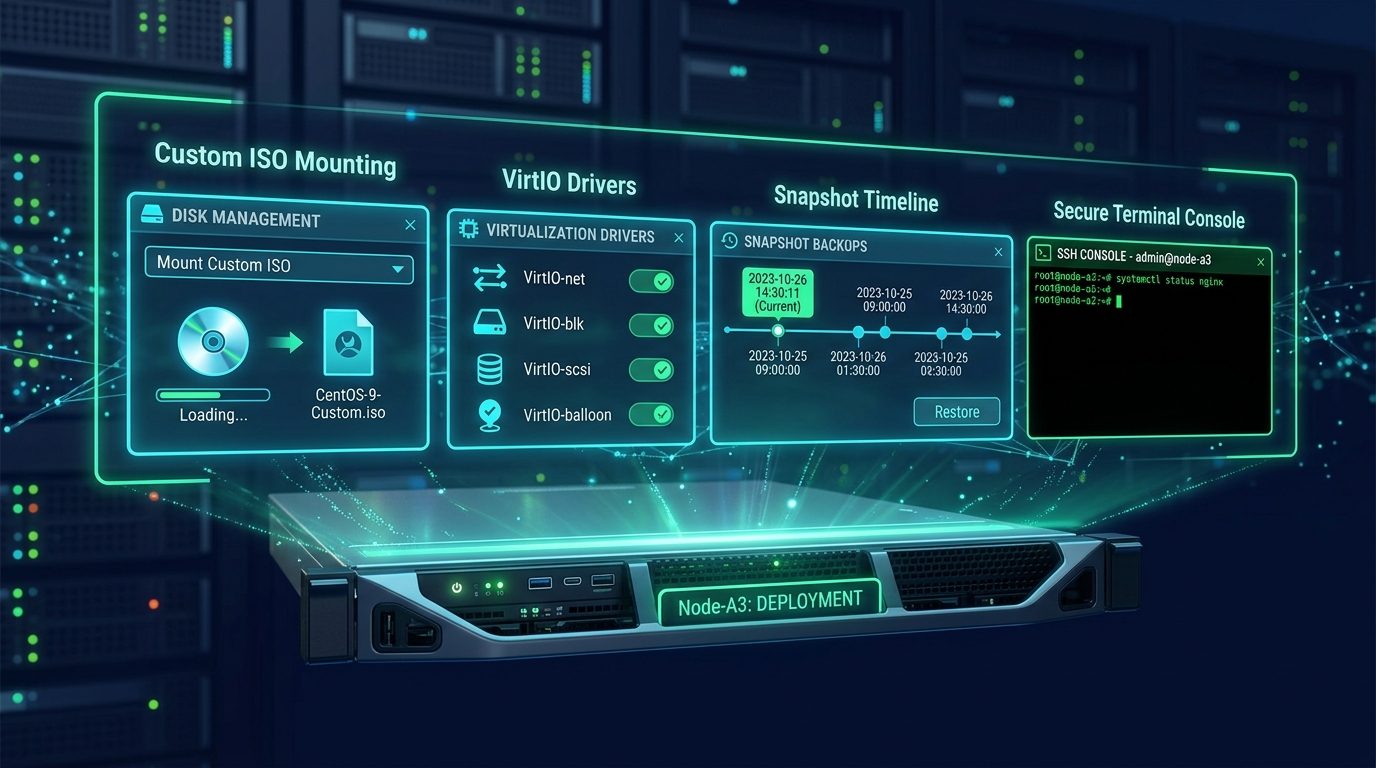
  • SCP Core Capabilities: Hardware-level power management, HTML5 VNC console, custom ISO mounting, snapshot rollbacks, and PTR DNS configuration.
  • Windows VirtIO Setup: Mount the Windows ISO on Drive 1 and the VirtIO driver ISO on Drive 2 to detect NVMe storage and network adapters during Windows Setup.
  • Zero-Cost Snapshots: Take full system memory and disk snapshots prior to performing risky software upgrades for instant 1-click rollbacks.

Understanding the Server Control Panel (SCP)

The Netcup Server Control Panel (SCP) provides direct hardware-level virtualization management for Root Servers and VPS instances. While CCP manages billing and contracts, SCP operates the KVM hypervisor layer.

How to Mount Custom ISOs & Install Windows Server

1. Access Media & DVD Drives in SCP

Navigate to Media > DVD Drives inside your SCP instance dashboard. You can select pre-mounted official Linux distributions or upload custom ISOs via FTP.

2. Windows Server VirtIO Driver Configuration

Because vanilla Windows ISOs lack native KVM drivers for enterprise NVMe storage, follow this configuration:

  1. Mount your Windows Server ISO to Drive 1.
  2. Mount the official virtio-win.iso driver disk to Drive 2.
  3. Adjust the Boot Order to CD-ROM first and restart.
  4. Open the HTML5 VNC Console, click Load Driver on the partition screen, and select the viostor directory from Drive 2 to detect your NVMe drive.

Managing Free Snapshot Backups

Netcup provides instantaneous snapshot backups. Create a snapshot before major updates to restore your exact memory and disk state within minutes should issues arise.

Frequently Asked Questions

How do CCP and SCP panels differ?
CCP (Customer Control Panel) manages contracts, invoicing, domains, and account details. SCP (Server Control Panel) controls server reboots, ISOs, VNC, and snapshots.

Ready to Deploy High-Performance Netcup Servers?

Claim the latest 2026 voucher codes & check real-time Live Deals inventory.